Navigating the User Interface
The Run:ai user interface is designed to be intuitive and user-friendly, allowing users to easily access and manage their resources and workloads.
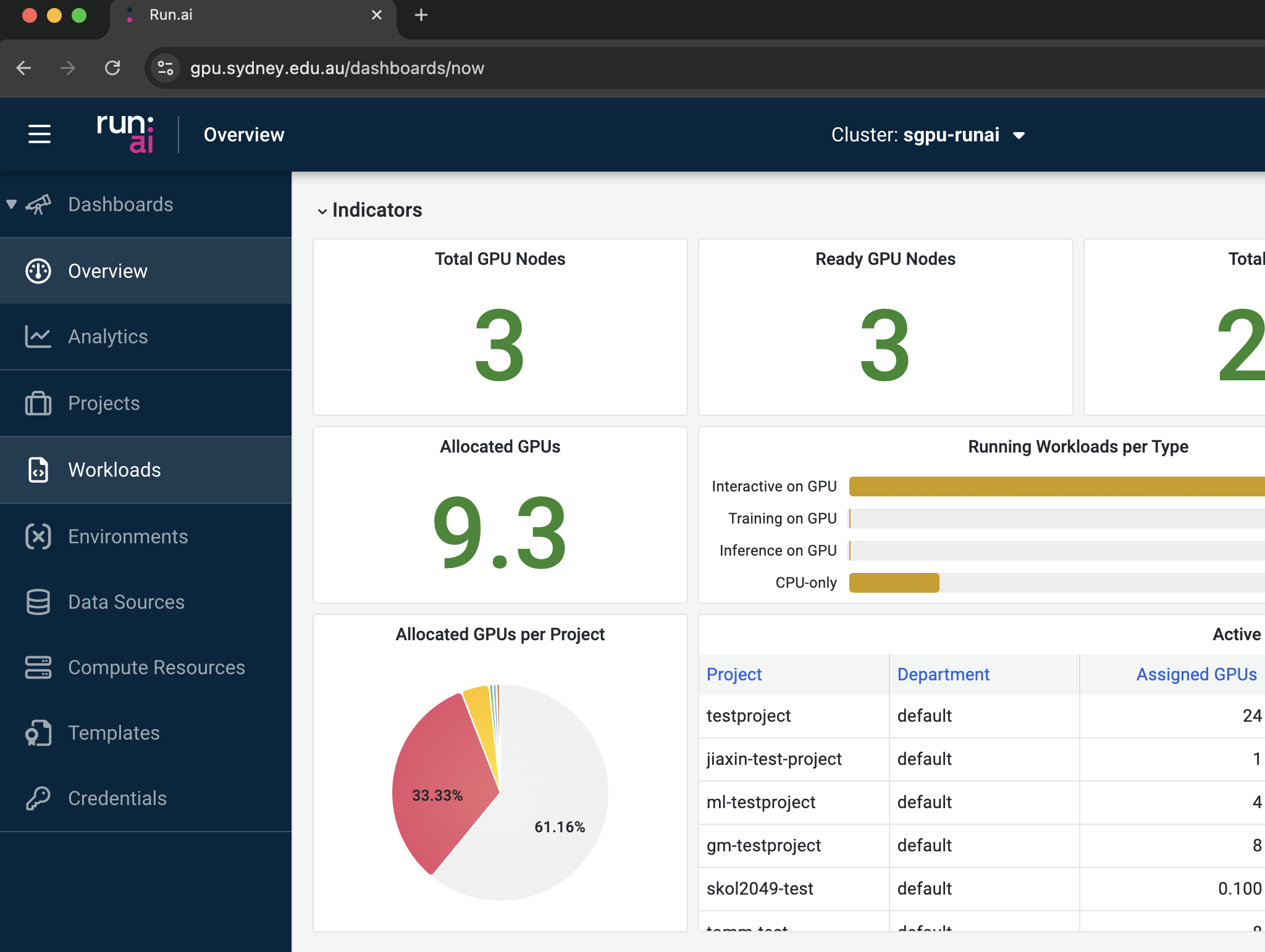
On the left panel, there are several options to select:
Dashboards: Two system dashboards, namely “Overview” and “Analytics”, are accessible to users. They provide both system- and project-level information including system summaries, real-time resource allocation, cluster load, etc.
Projects: This lists out the projects the user has been assigned to.
Workloads: This page provides a summary of the current workloads and allows users to create and configure new workloads.
Environments: Both platform-wide and customised environments can be found in this page.
Data Sources: This page allows users to configure new data sources and view existing ones.
Compute Resources: This page summaries all compute resources (similar to choosing the “flavours” in a cloud computing environment) and allows users to create new compute resources for their specific needs.
Templates: This feature allows users to manage bespoke templates configured for their specific workloads.
Credentials: This space allows users to define secrets including access keys, passwords, or other sensitive information essential to the execution of workloads during runtime.
The instructions on how to use these features will be covered in the following “Run:ai Features” section.