Login
Important
Before trying to log into the Apollo cluster, please make sure you are part of a DashR project that has been granted cluster access.
Please note that it may take some time for the DashR provisioner to grant SSO access and set up the project in Run:AI before you can view the landing page.
- If you are not on the Sydney university network (e.g. working from home), you will need to connect to the VPN to see the login page.
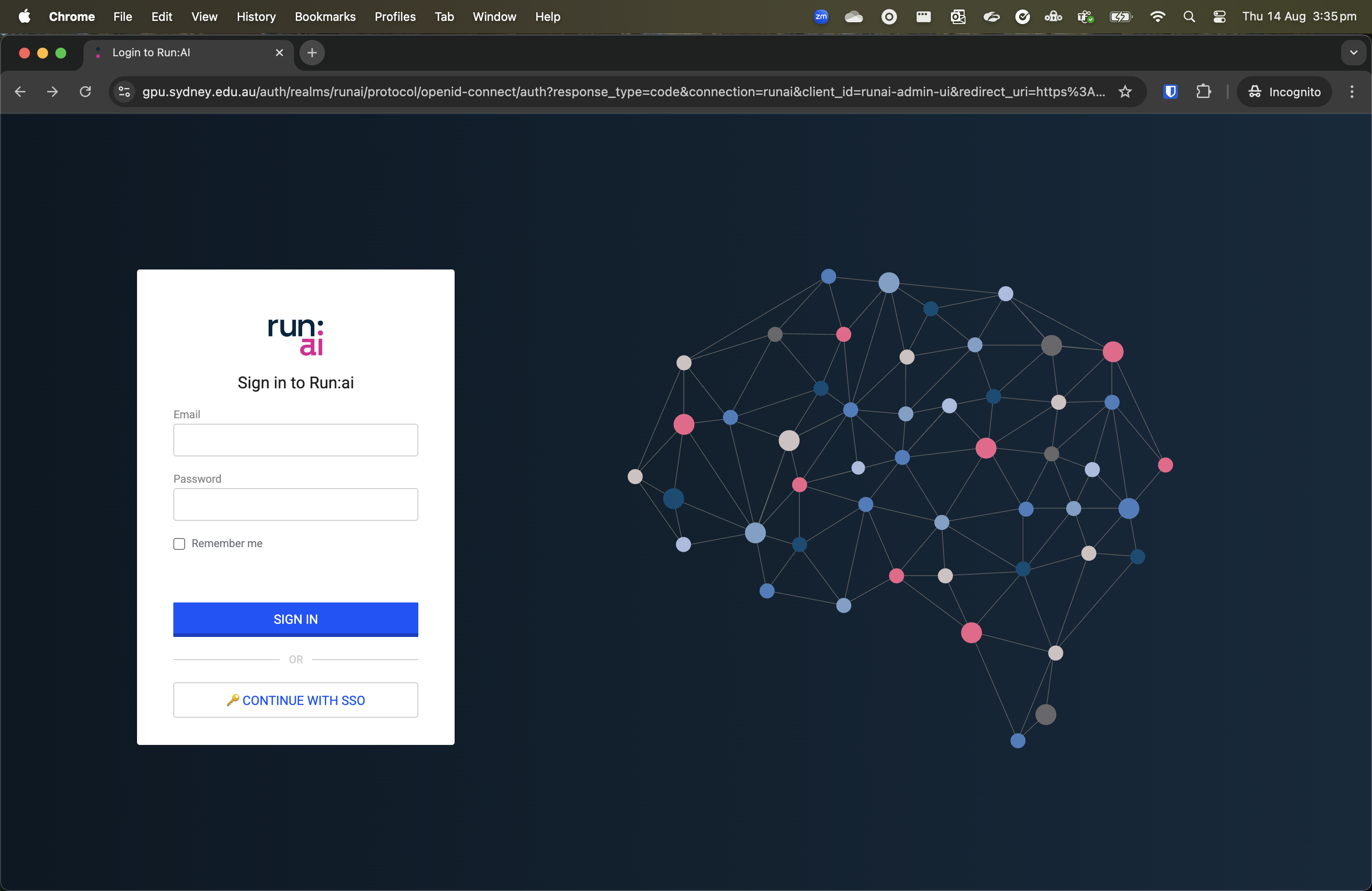
- Go to: https://gpu.sydney.edu.au/.
- Enter your UniKey and password.
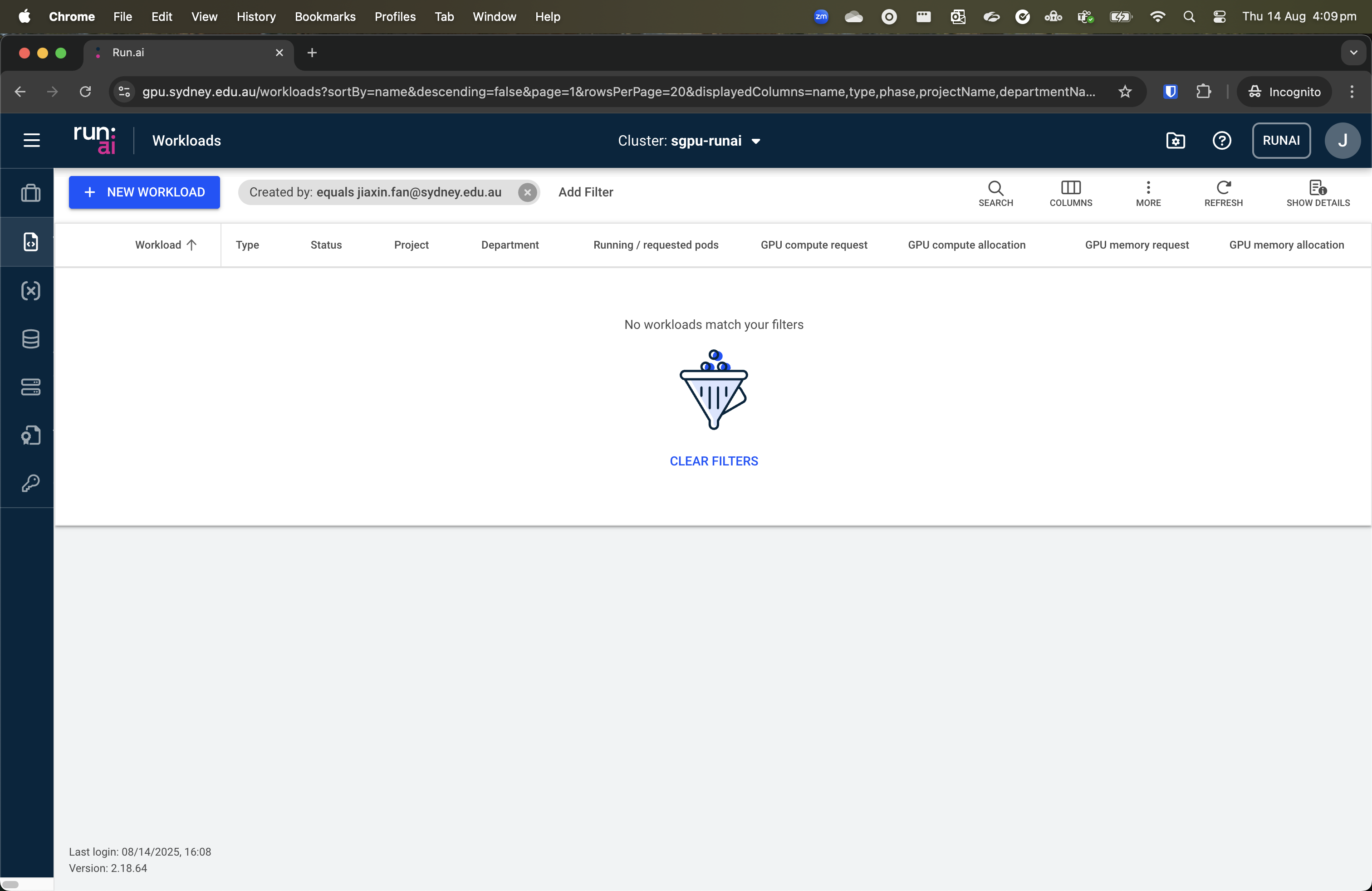
- Once the login is successful, you’ll be presented with the landing (“Workloads”) page.