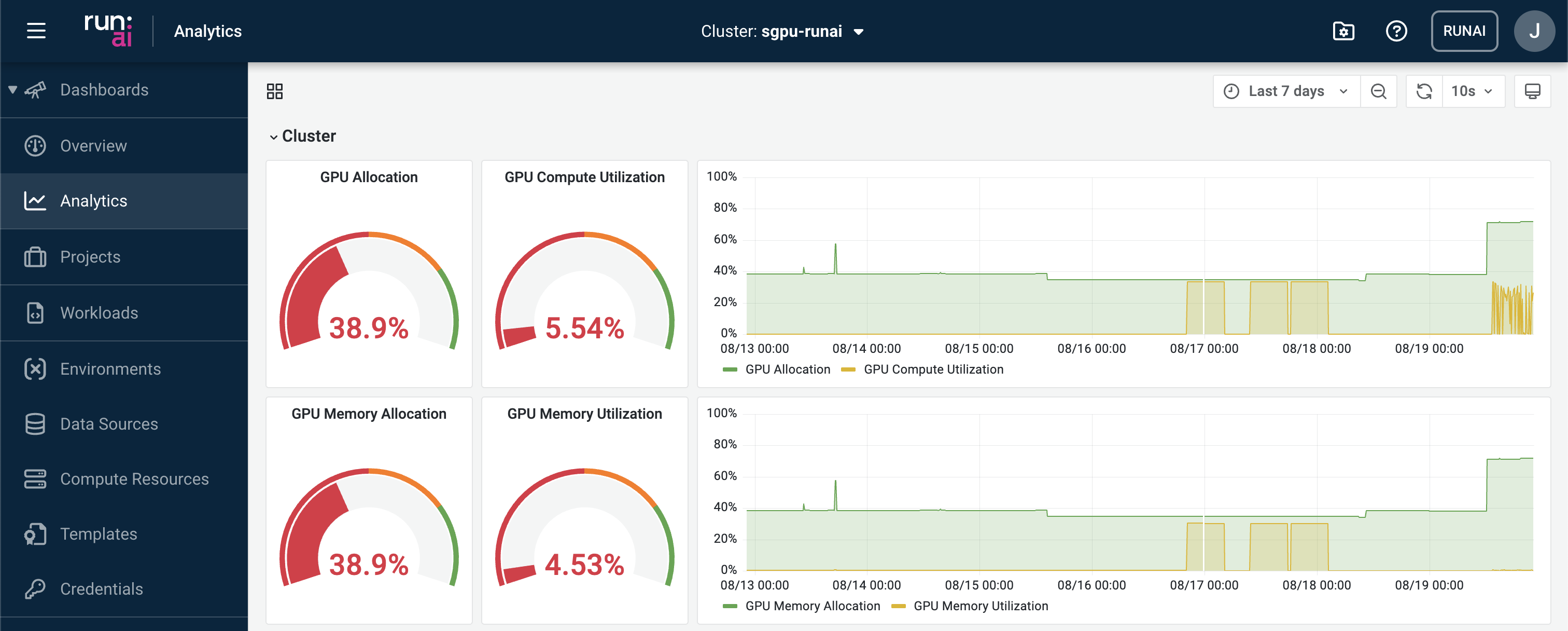
Run:ai Dashboards
Overview
This dashboard view provides holistic infrastructure information useful for both researchers and system administrators in managing and planning the resources.
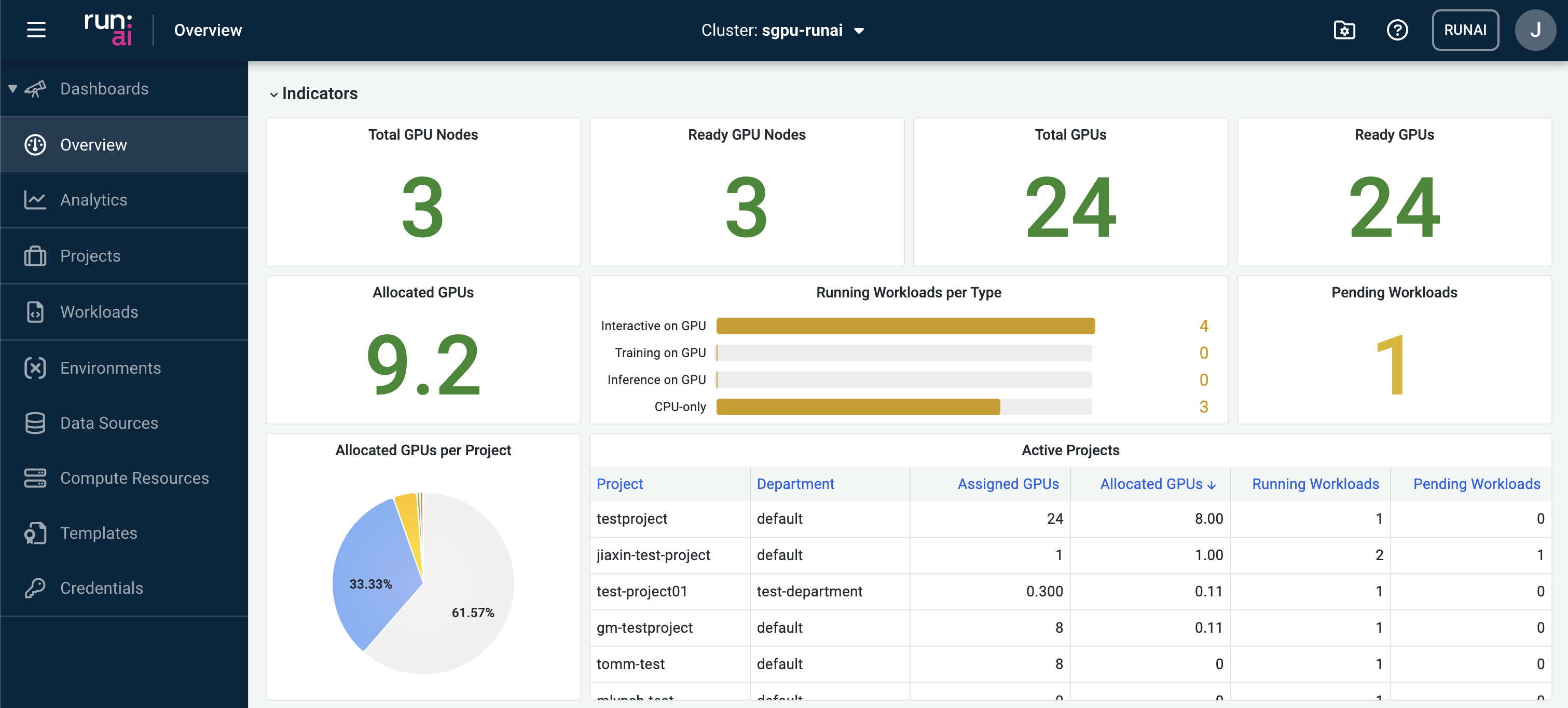
Indicators
This section presents high-level statistics of the GPU computing resources
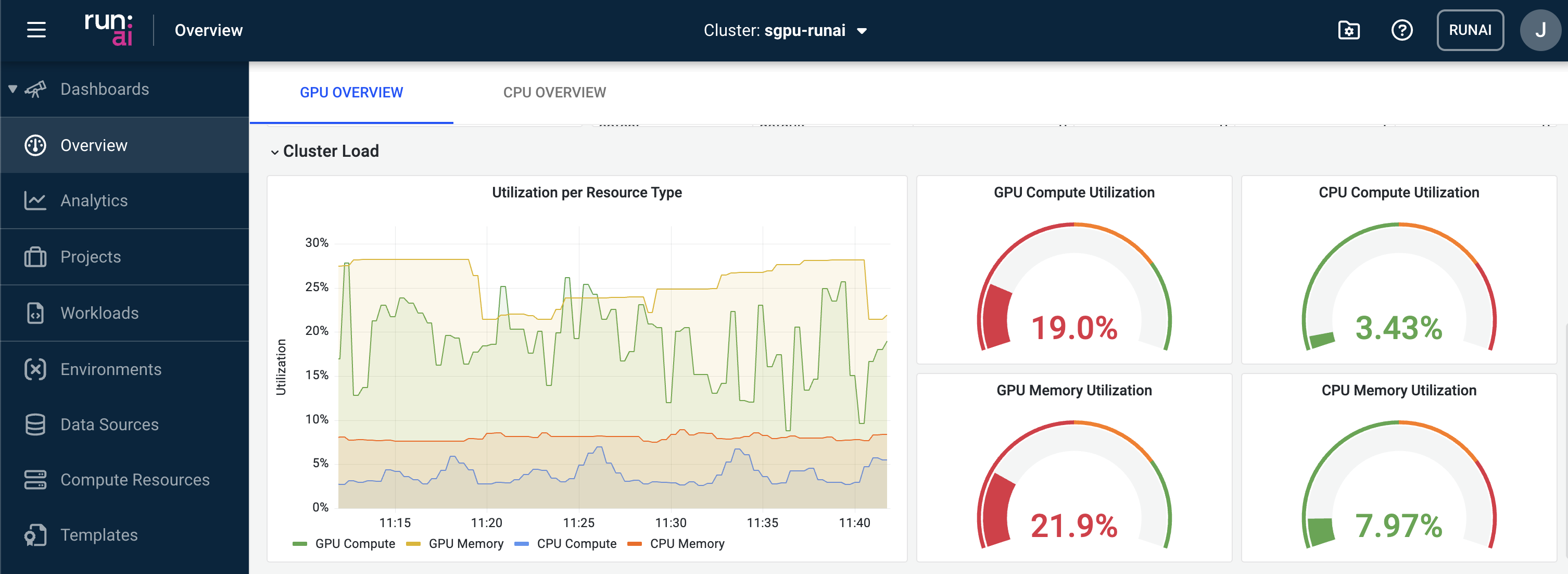
Cluster Load
Real-time monitoring of the cluster status in terms of GPU and CPU utilisation.
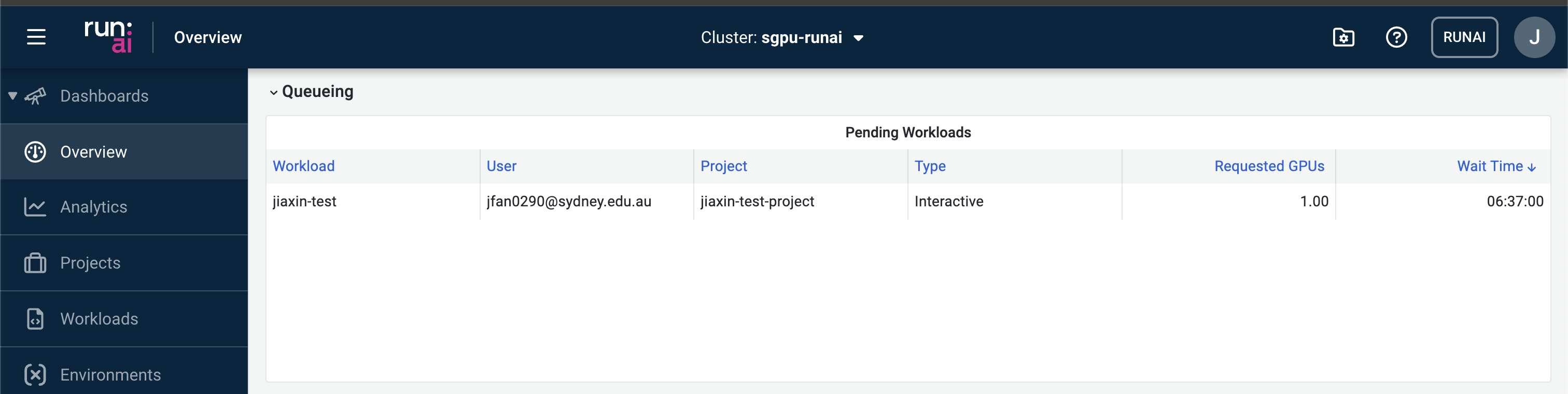
Queueing
Inspecting queueing jobs. Possible reasons why your jobs are queueing include:
- The number of GPUs requested to be allocated to the job has exceeded the remaining GPU quota in the project.
- The GPU cluster is currently at full capacity and therefore has no available resources to schedule the job.
- The job is waiting for other jobs to finish before it can be scheduled.
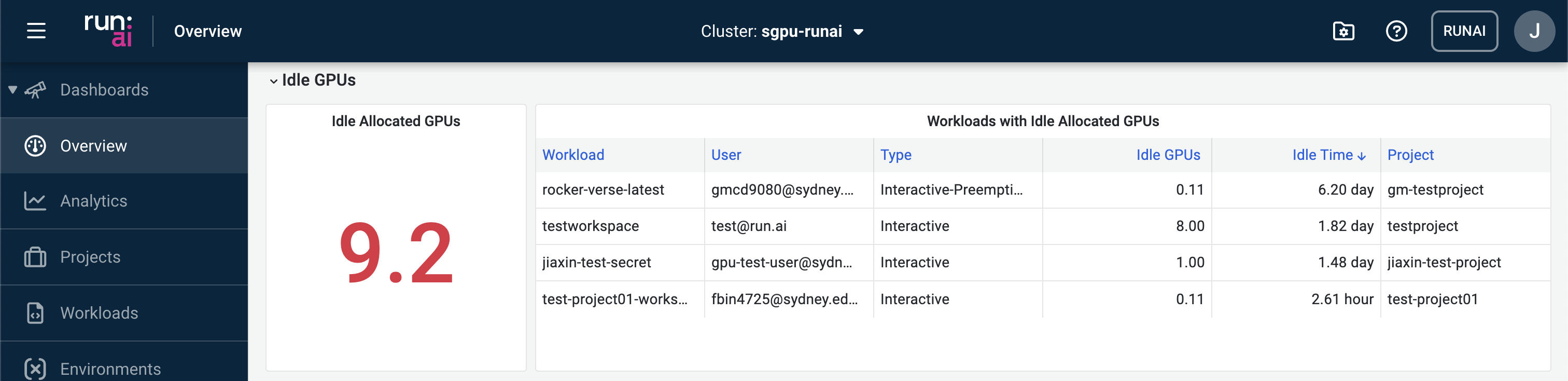
Idle GPUs
Displaying the number of idle GPUs currently allocated to running workloads.
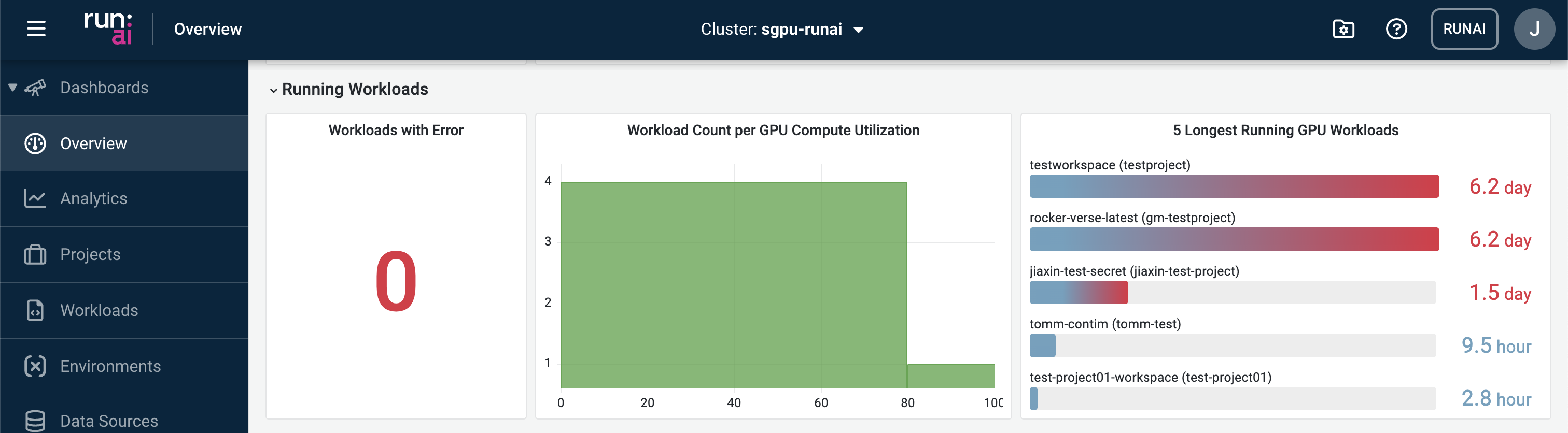
Running Workloads
Summary of the list of running workloads.
Analytics
This dashboard provides more detailed breakdowns of the SIH GPU running status. Key statistics that are reported at separate levels:
- Cluster
- Project
- Workloads
- Nodes