Tutorial: Self-installing R packages
In this tutorial, we will demonstrate how to install R packages in your Run:AI workload. This is particularly useful when you need specific packages that are not included in the pre-installed image.
Create a Run:AI Jupyter Lab workload
Follow the instructions in the Jupyter Lab tutorial to create a new workload in Run:AI and connect to the Jupyter Lab interface. You will see the following landing page when the workload is created successfully:
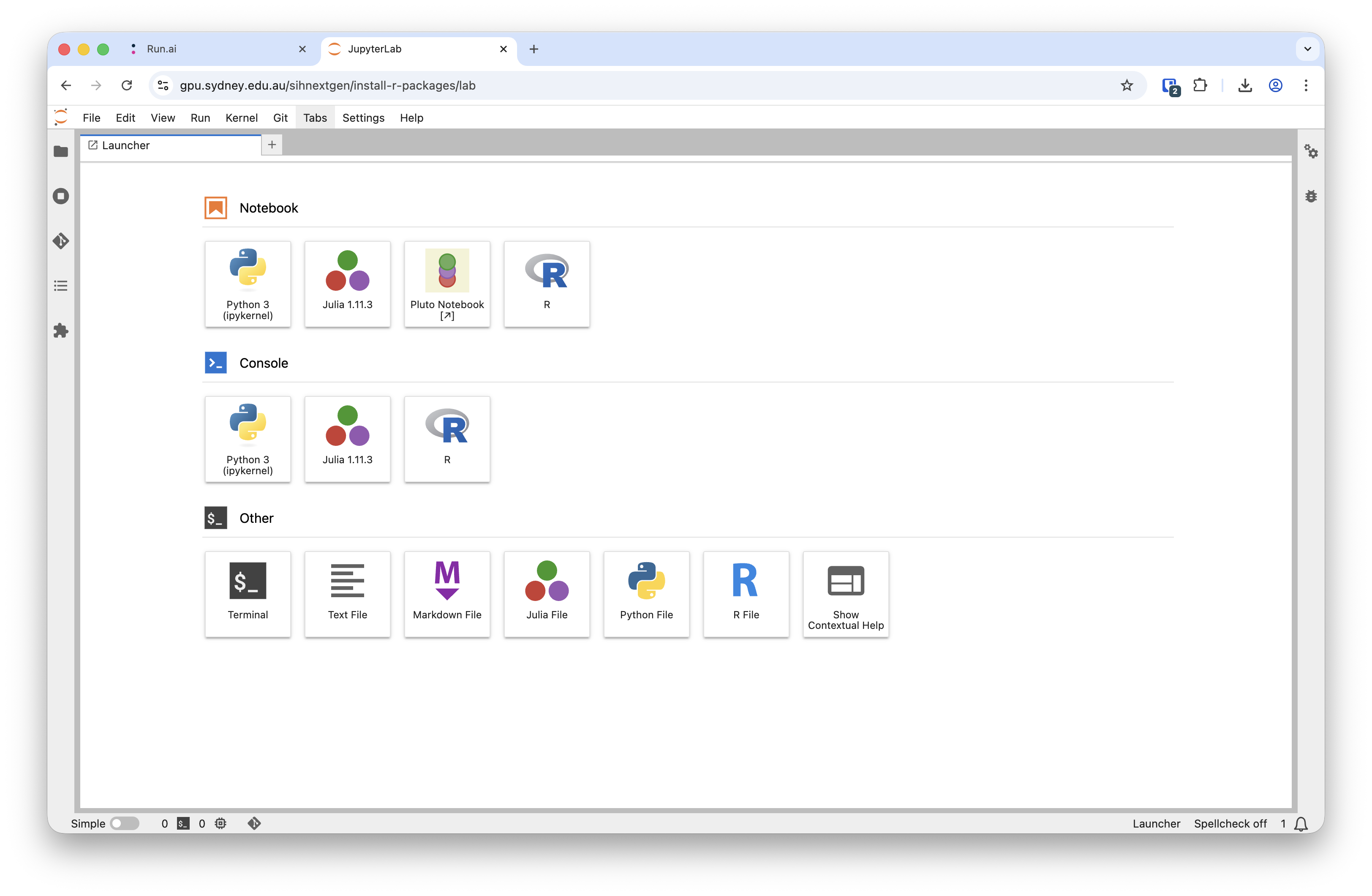
There are three ways of accessing R in this default Jupyter Lab environment:
- R notebook
- R Console
- Terminal
In this tutorial, we will demonstrate how to use the Terminal application to install R packages.
Install R packages via Terminal
Open a new Terminal window by clicking on the Terminal icon in the Jupyter Lab interface.
Create a directory in your PVC to store any newly installed R packages. This ensures that the packages persist across sessions and are not removed after the workload is stopped running.
You can do this by creating a subdirectory in
/scratch/${RUNAI_PROJECT}. For example:mkdir -p /scratch/${RUNAI_PROJECT}/my_username/R_libswhich will create a directory named
R_libsin the project PVC. You may want to changemy_usernameto your own username (e.g., your unikey) or preferred directory name.Set the
R_LIBS_USERenvironment variable to point to this new directory.export R_LIBS_USER=/scratch/${RUNAI_PROJECT}/my_username/R_libsStart R by executing the command
Rin the terminal.Check if the libary has already been installed in the image. You can either run
installed.packages()to print out the full list of installed packages, or try loading the package using
library(package)You need to replace
packagewith the name of the package you want to check. If the package is not installed, you will receive an error message: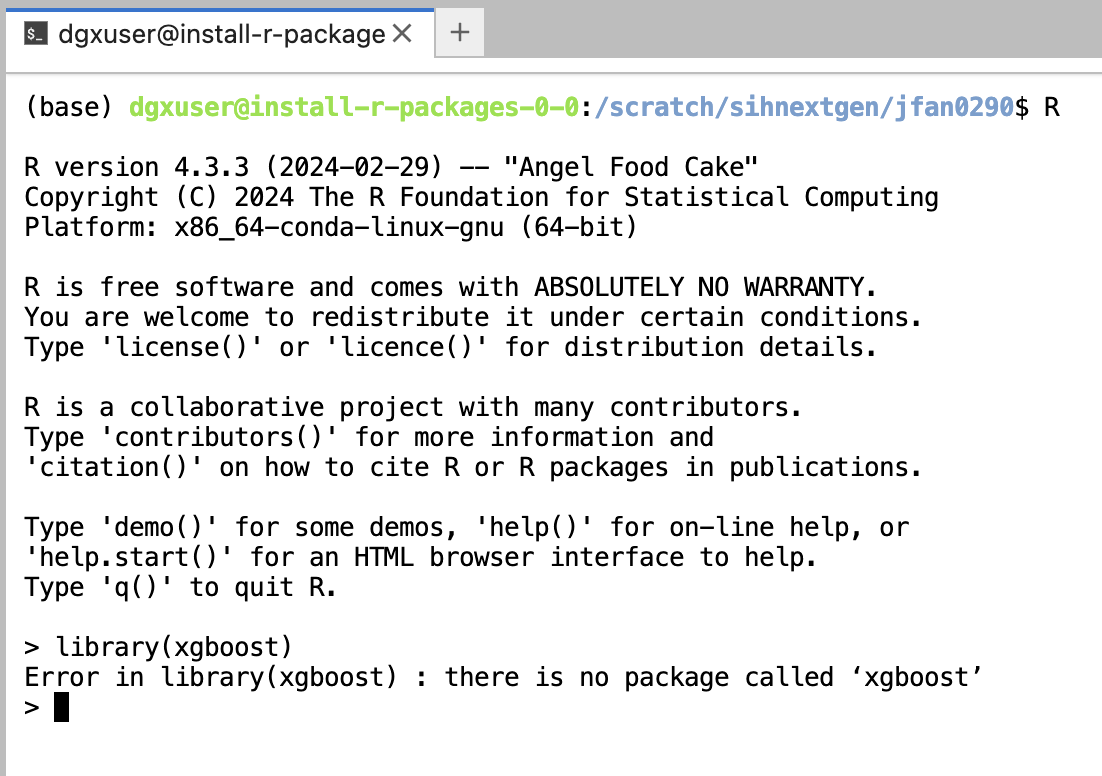
check if the xgboost library is installed Install the desired R package using the
install.packages()function. For example:install.packages("xgboost", repos="http://cran.ms.unimelb.edu.au/")This command will download and install the
xgboostpackage into the directory specified byR_LIBS_USER.
Verify the installation
You can verify the installation by loading the package in R:
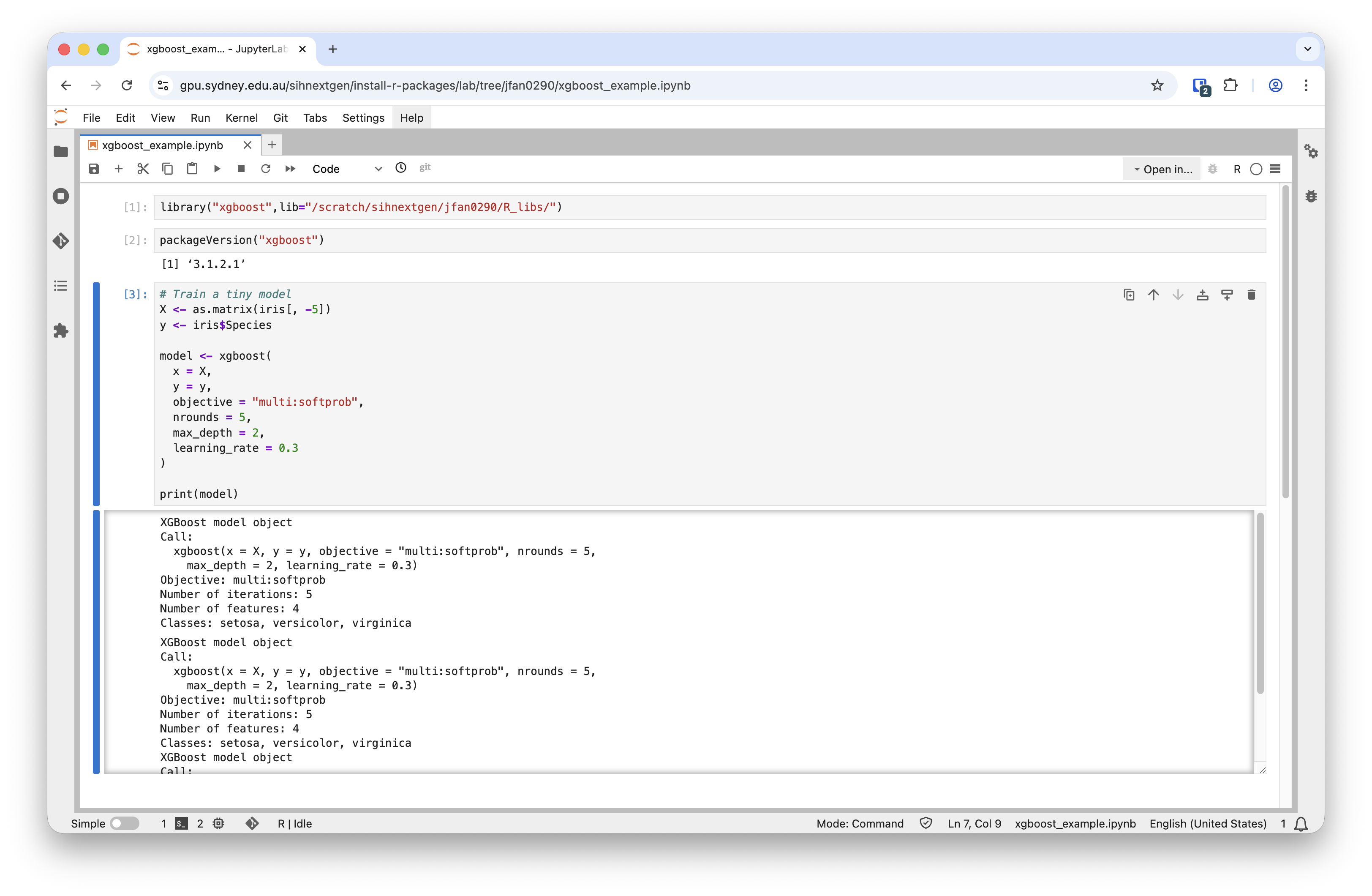
library("xgboost")You can also use the libary in an R notebook or R console by setting the lib variable (e.g., lib="/scratch/sihnextgen/jfan0290/R_libs") when loading the library: