BioShell supports two browser-based interactive environments for notebook and script-based work. Both run on your BioShell instance and are accessible through your browser once you have connected via SSH.
You must have an active SSH connection to your BioShell instance before opening either environment in your browser. See Connecting to BioShell.
JupyterLab
JupyterLab is a browser-based environment for writing and running Python, R, and shell notebooks. It is well suited to exploratory analysis, visualisation, and combining code with documentation.
Load the Jupyter module:
module load jupyter
Start the notebook server, binding it to your instance’s IP address:
IP=$(hostname -I | awk '{print $1}')
jupyter notebook --ip=$IP
This starts the server and prints its connection details in the terminal:
[I 06:38:56.767 NotebookApp] Writing notebook server cookie secret to /home/<username>/.local/share/jupyter/runtime/notebook_cookie_secret
[I 06:38:57.048 NotebookApp] Serving notebooks from local directory: /home/<username>
[I 06:38:57.048 NotebookApp] Jupyter Notebook 6.4.12 is running at:
[I 06:38:57.048 NotebookApp] http://<your-bioshell-ip>:8888/?token=<token>
[I 06:38:57.048 NotebookApp]  or http://127.0.0.1:8888/?token=<token>
[I 06:38:57.048 NotebookApp] Use Control-C to stop this server and shut down all kernels (twice to skip confirmation).
[W 06:38:57.051 NotebookApp] No web browser found: could not locate runnable browser.
[C 06:38:57.051 NotebookApp]

    To access the notebook, open this file in a browser:
        file:///home/<username>/.local/share/jupyter/runtime/nbserver-30866-open.html
    Or copy and paste one of these URLs:
        http://<your-bioshell-ip>:8888/?token=<token>
     or http://127.0.0.1:8888/?token=<token>
The ‘No web browser found’ warning is expected, your BioShell instance has no desktop browser installed. Ignore it, you will open the URL in the browser on your own computer instead.
Open JupyterLab in your browser:
Two URLs are printed. Select the first one, the one with your instance’s IP address, not the
127.0.0.1 one, which only works from a browser running on the instance itself. Copy the
whole URL, including the ?token= value, into your browser:
http://<your-bioshell-ip>:8888/?token=<token>
The token authenticates you to the notebook server. If you leave off the ?token= value, or copy it incorrectly, you will land on a page asking for a password or token instead of JupyterLab.
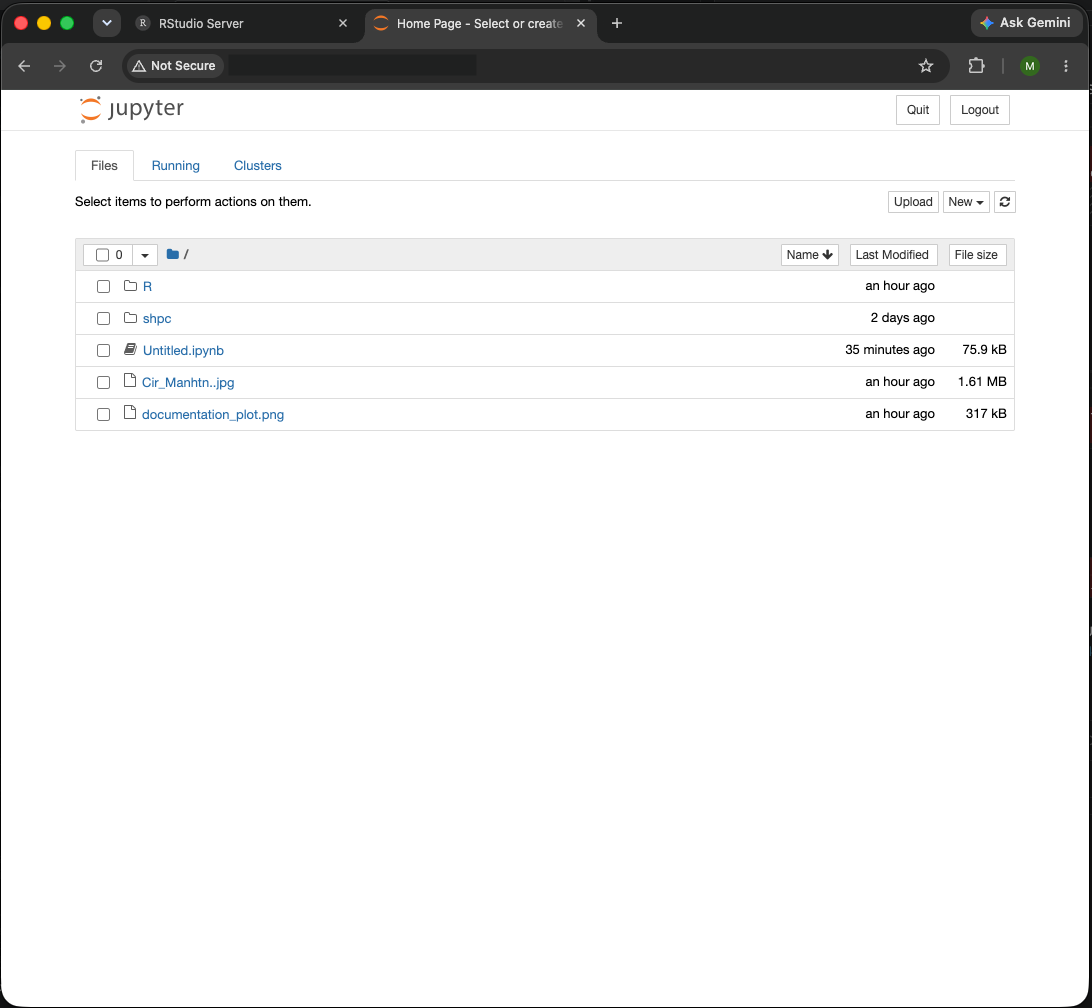
The JupyterLab file browser. Navigate your folders and files, or start a new notebook from here.
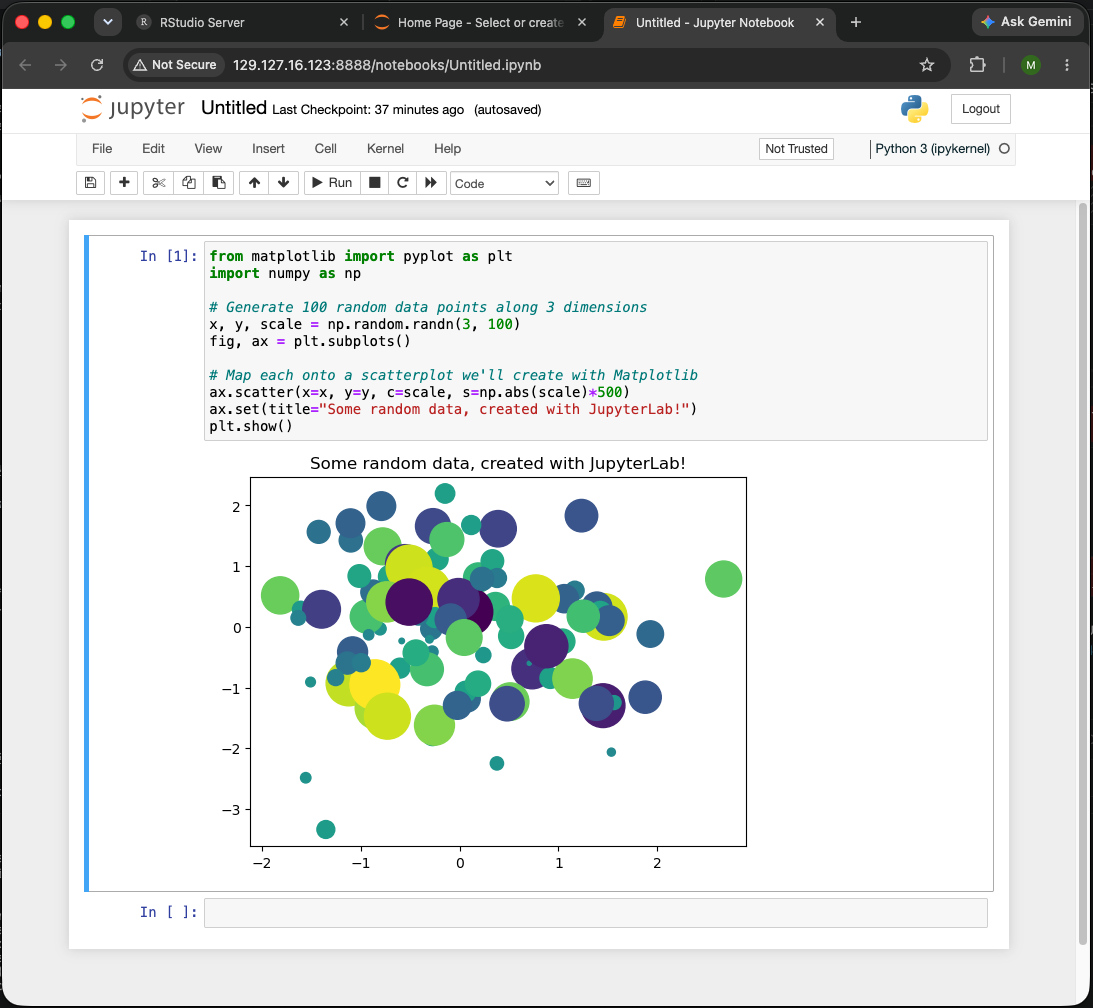
A Jupyter notebook. Run your Python code and view visualisations here.
RStudio
RStudio is a browser-based environment for R-based analysis. If you are familiar with the RStudio desktop application, the browser version works in exactly the same way.
Load the RStudio module:
module load rstudio
Loading the module prints your login details and the steps to start the server:
RStudio Server
----------------------------------
Login Details:
  Username: <username>
  Password: Your Linux account password
If you have not set a password yet, run:
  sudo passwd <username>
To start RStudio Server:
  sudo rstudio-server start
Then open in your browser:
  http://<your-bioshell-ip>:8787
Set a password for your account (first time only):
RStudio Server logs you in with your Linux account password. If you have not set one yet, set it now, you will need it to log in from your browser:
sudo passwd <username>
You will be prompted to enter and confirm a new password.
Start RStudio Server:
sudo rstudio-server start
This prints a message about its logging setup:
TTY detected. Printing informational message about logging configuration.
Logging configuration loaded from '/etc/rstudio/logging.conf'.
Logging to '/var/log/rstudio/rstudio-server/rserver.log'.
This message is informational, not a warning. It just confirms RStudio Server found its logging configuration and where it is writing logs. The server has started successfully.
Open RStudio in your browser and log in:
Go to:
http://<your-bioshell-ip>:8787
Log in using your username and the password you set above.
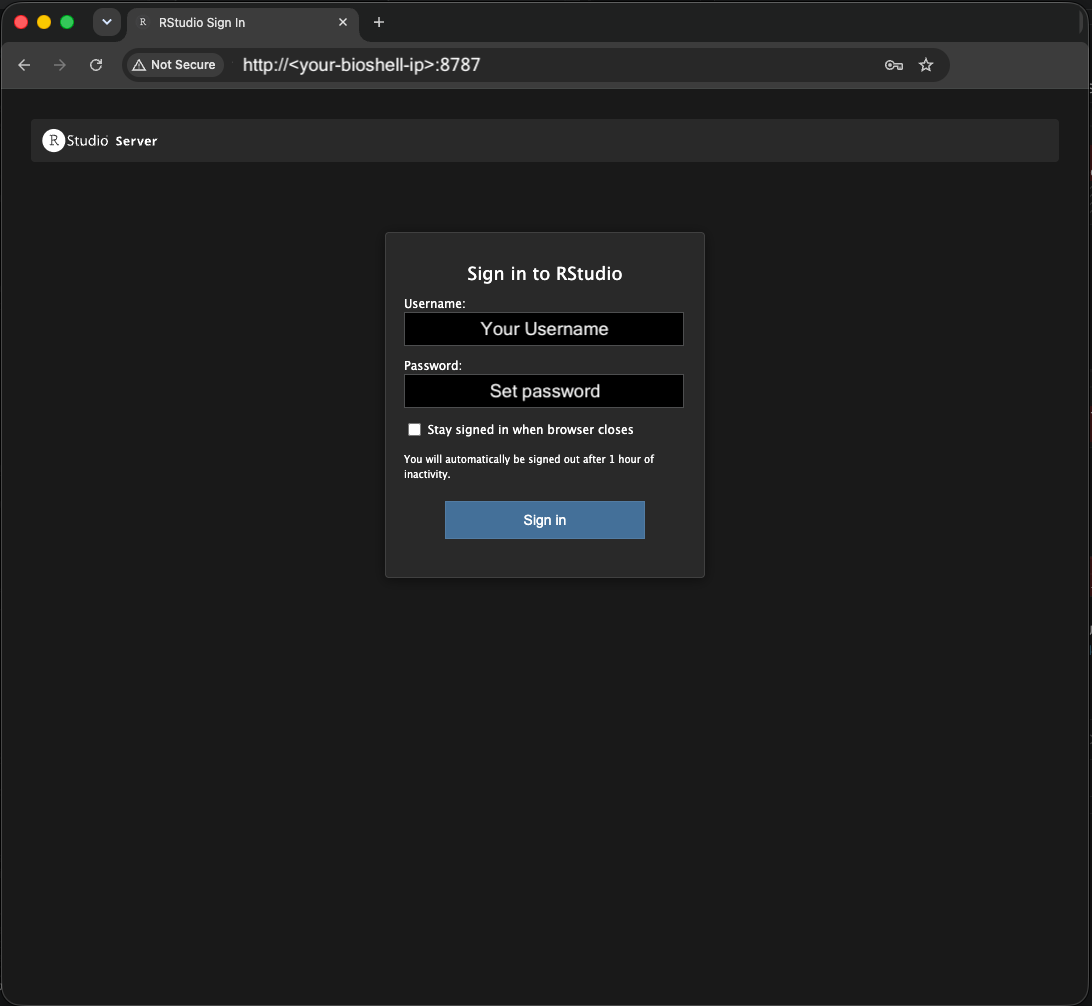
RStudio Server login screen.
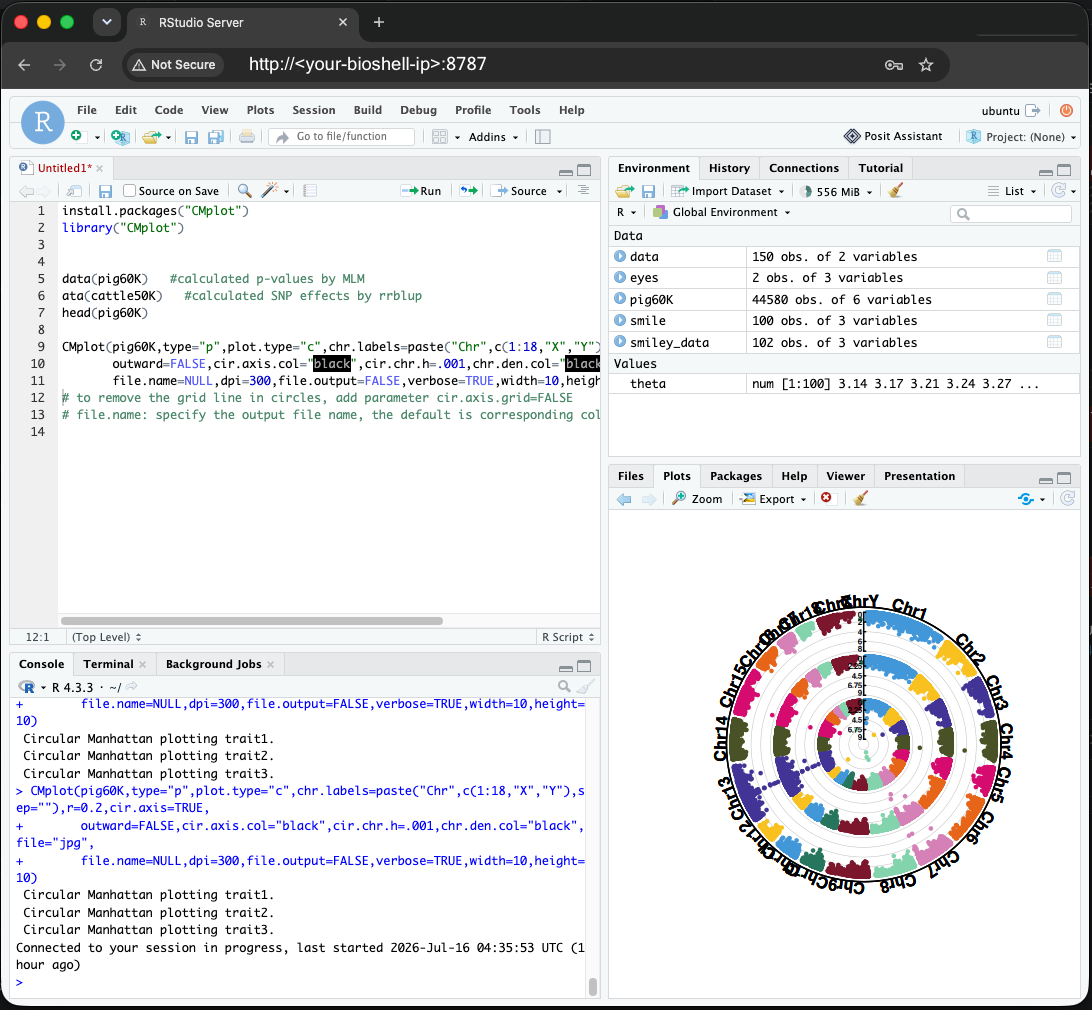
RStudio open in a browser connected to a BioShell instance.
Your SSH terminal and browser environments connect to the same BioShell instance. Any tool you have loaded with module load in your terminal is also available inside JupyterLab and RStudio.